

Introduction
The tixity Admin panel is where you actually run the platform. Events are created here, orders are refunded and exchanged here, staff accounts are managed here, templates are edited here, and every configuration option is set here. If POS is the counter and the Dashboard is the boardroom, Admin is the back office.
Who this guide is for
Managers, IT staff, accountants, and organisers who set the platform up and maintain it. If you only sell tickets at the counter, see the POS guide. If you only view sales performance, see the Dashboard guide.
What you can do
We cover the sections you’ll actually spend time in. The Admin panel has more surfaces than can fit in one guide, reach out to your account manager for anything not covered here.
| section | what it’s for |
|---|---|
| Home | Merchant settings and license info |
| Users | Staff accounts, roles, and access control |
| Events | Creating and editing events, seasons, vouchers, venues |
| Orders | Every order across every channel |
| Reports | The full reports catalogue |
| Templates | Email and SMS templates |
| Media | Image and file library |
| Import and Export | Bulk operations across the platform |
| Utilities | Housekeeping and one-off tools |
Interface overview
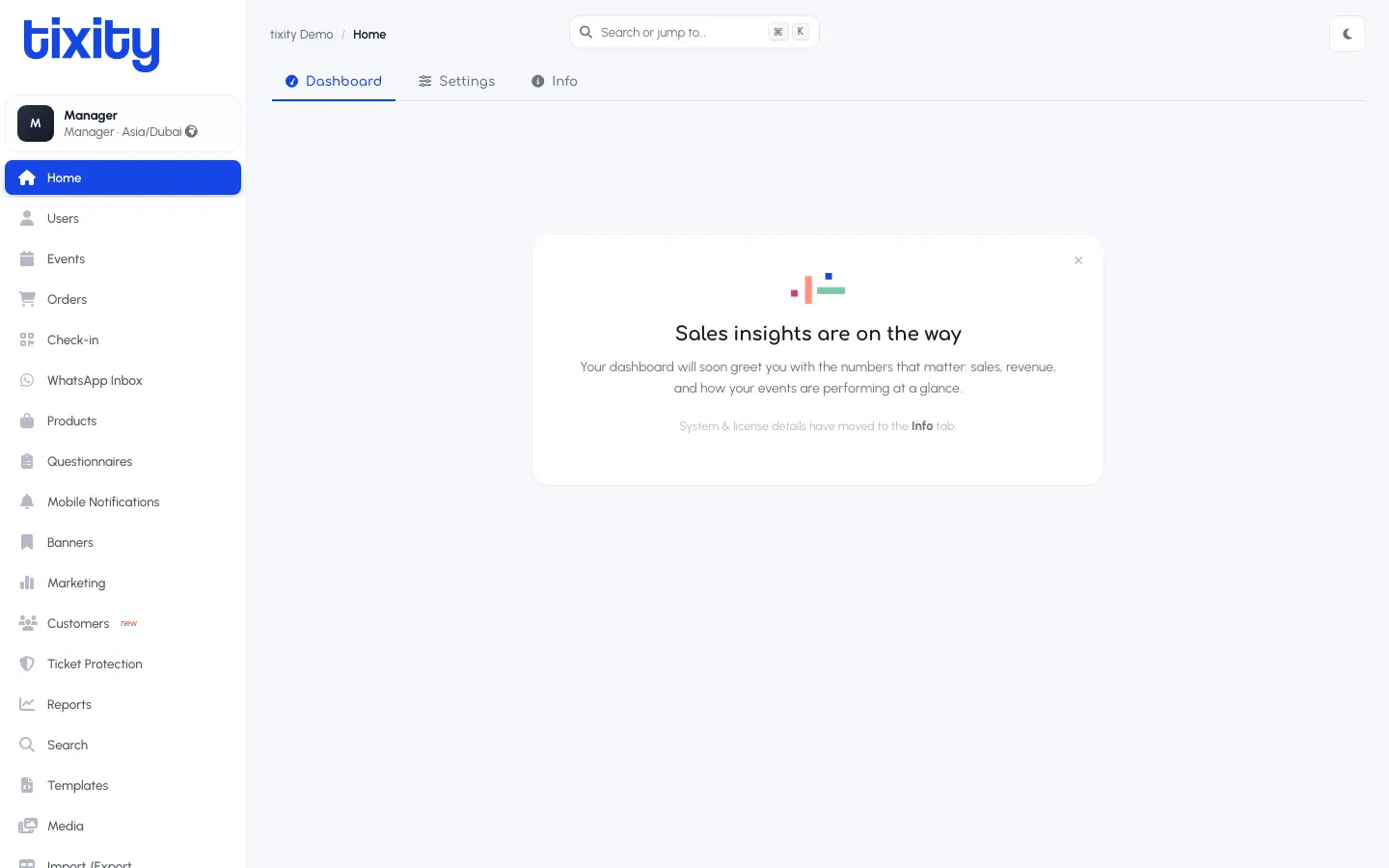
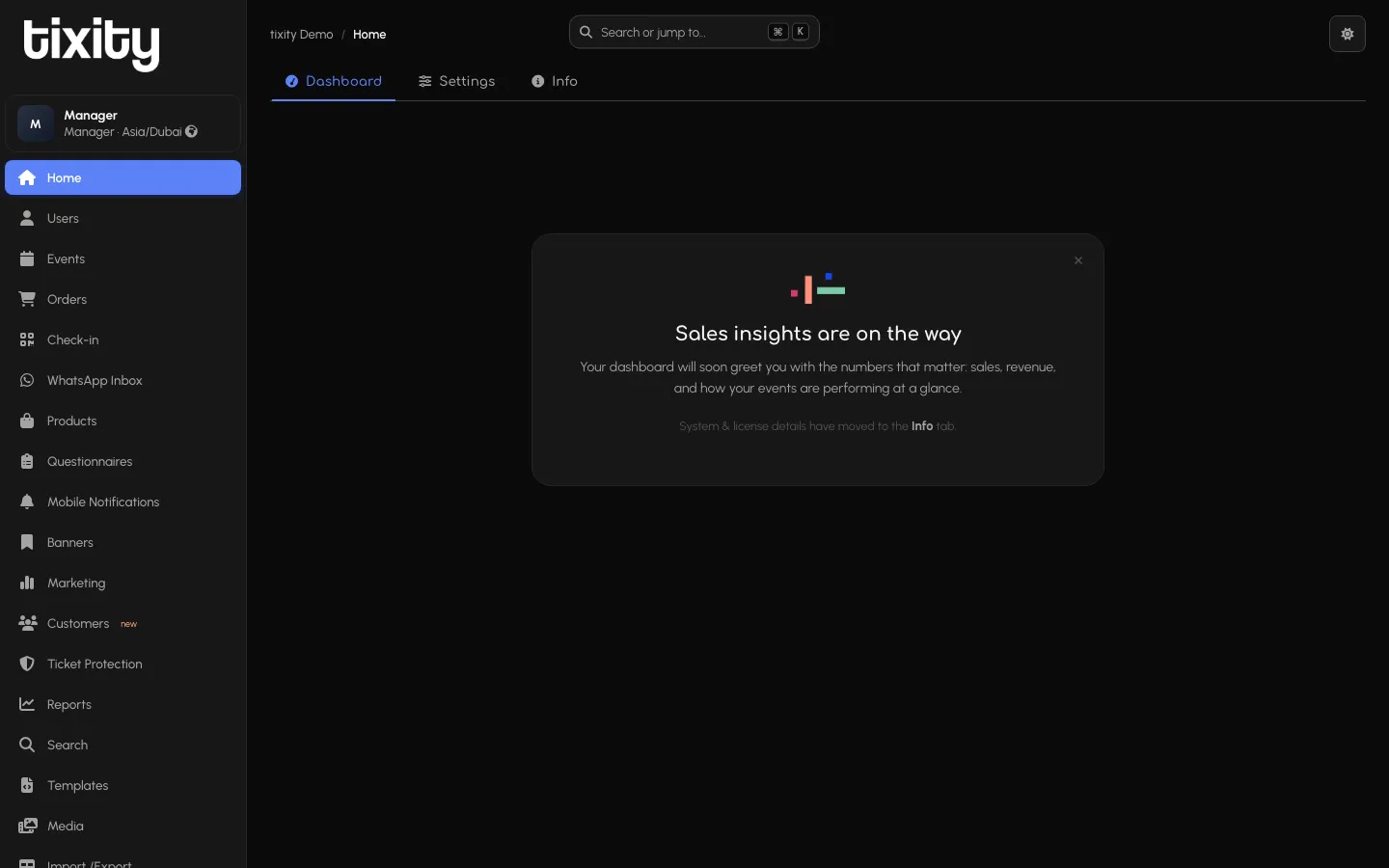
Admin uses a persistent left sidebar for section navigation, a search bar at the top with the ⌘K shortcut, and a moon icon in the top-right for the theme toggle. Every screen respects light and dark mode.
The top-left of the sidebar shows your organisation name and the current section as a breadcrumb (e.g. tixity Demo / Events). The profile chip at the top of the sidebar shows your name, role, and store timezone.
Roles
Access to each Admin section is controlled by role. The common roles you’ll see:
| role | typical access |
|---|---|
| Manager | Full access to the operational surfaces: Events, Orders, Users, Templates, Media, Import/Export, Utilities, and everything below |
| Accountant | Home and Reports |
| Organiser | Home, Reports, and Events limited to their own shows |
| IT | Home and Users |
| Marketing | Utilities |
If a section is missing from your left sidebar, your role doesn’t have access. Ask a Manager to promote you if you need it.
In this guide
- Getting started — signing in and understanding the layout
- Home — merchant settings and license
- Users — staff accounts and roles
- Events — creating and editing events
- Orders — refunds, exchanges, and support tools
- Reports — the full reports catalogue
- Templates — email and SMS
- Media — the image library
- Import and export — bulk operations
- Utilities — housekeeping tools