

Home
The Home section is your merchant control panel. It has three tabs across the top.
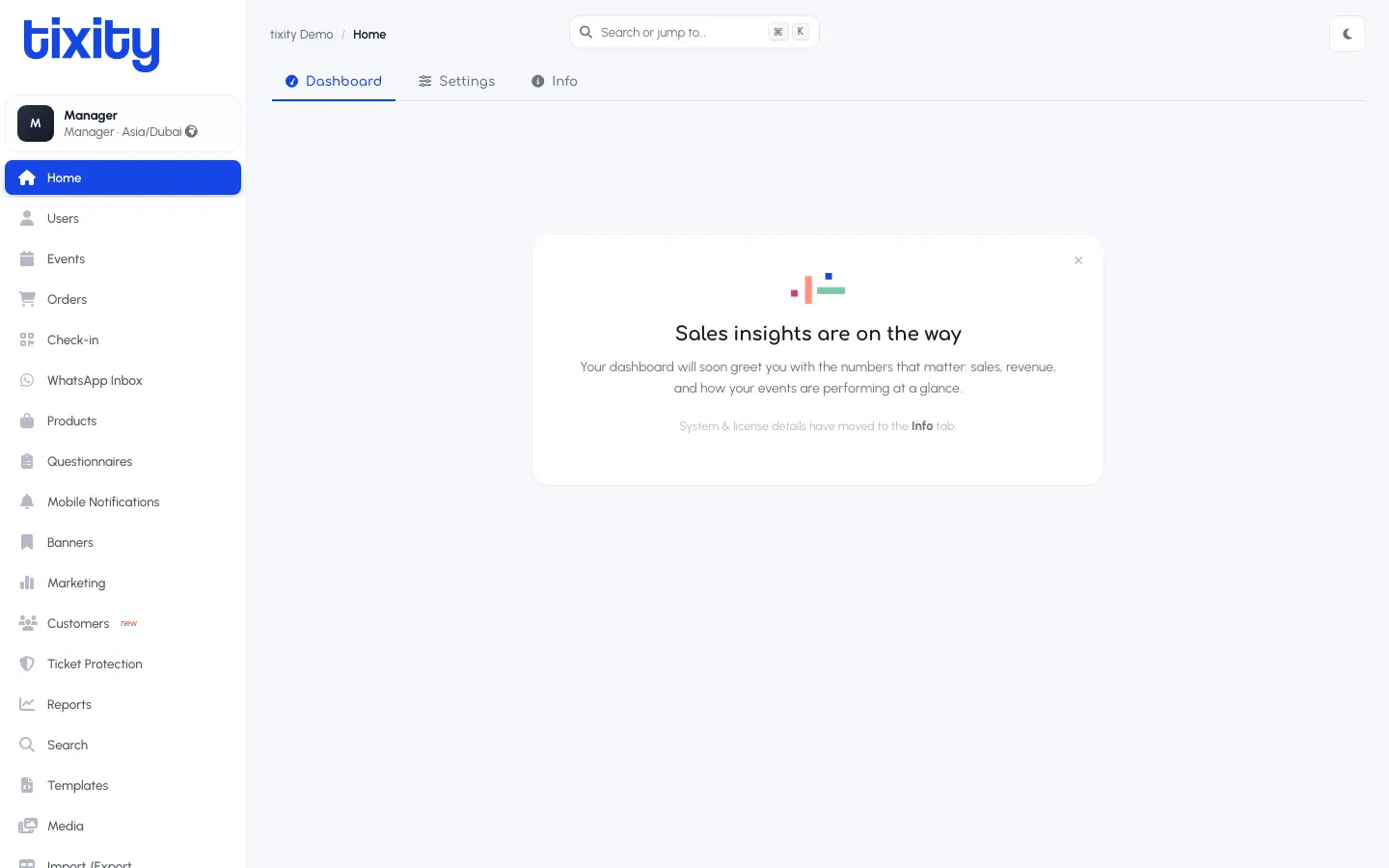
The three tabs
| tab | what it’s for |
|---|---|
| Dashboard | Sales insights (in progress, a live-data version is on the way) |
| Settings | Merchant-level configuration you have permission to edit |
| Info | License status, system summary, version |
Settings
Settings holds every merchant-level toggle. Categories along the left list what you can access; the search box above them filters by keyword. What you see depends on your role, a Manager typically sees the operational categories, and a smaller number of finance-critical ones like VAT.
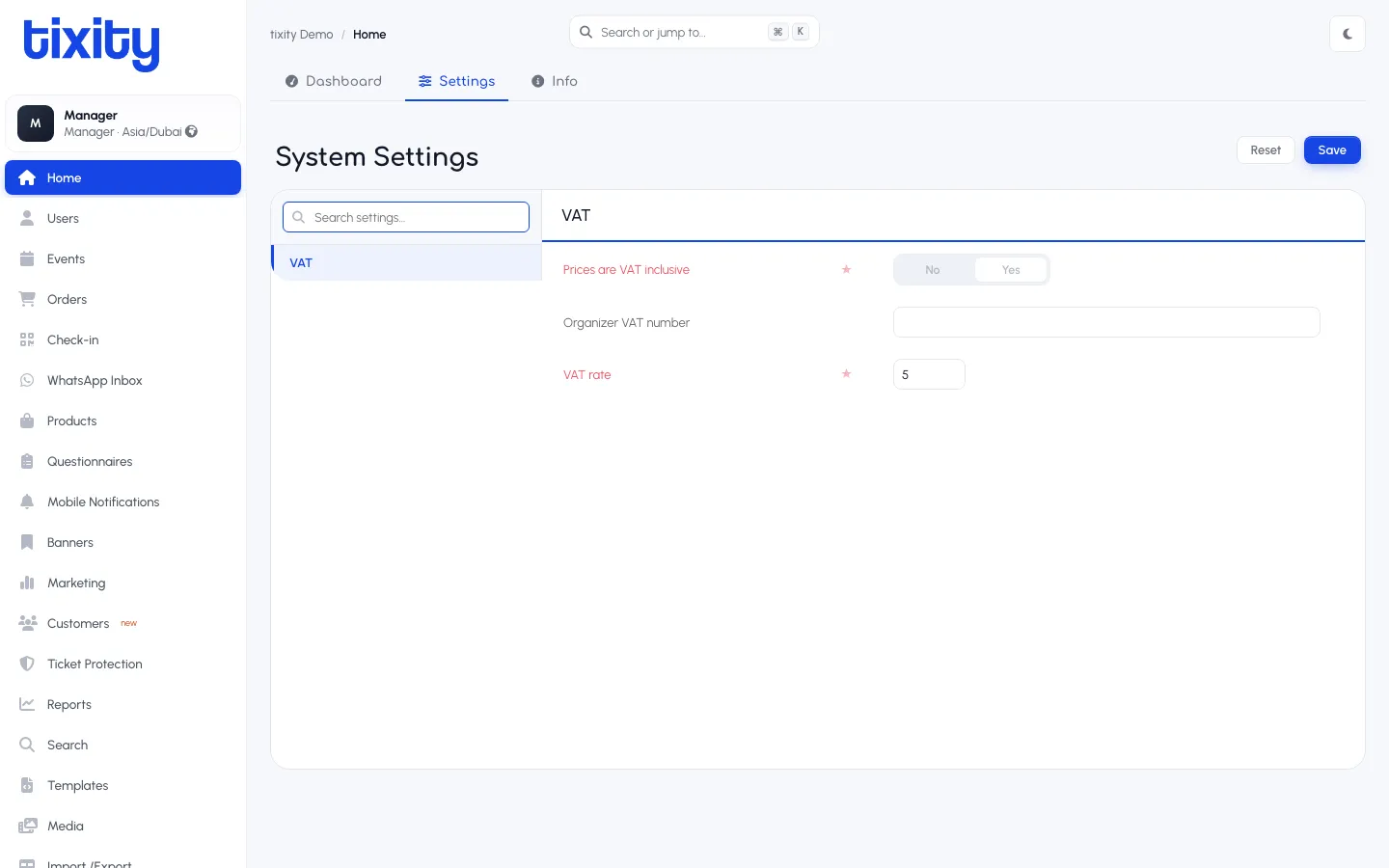
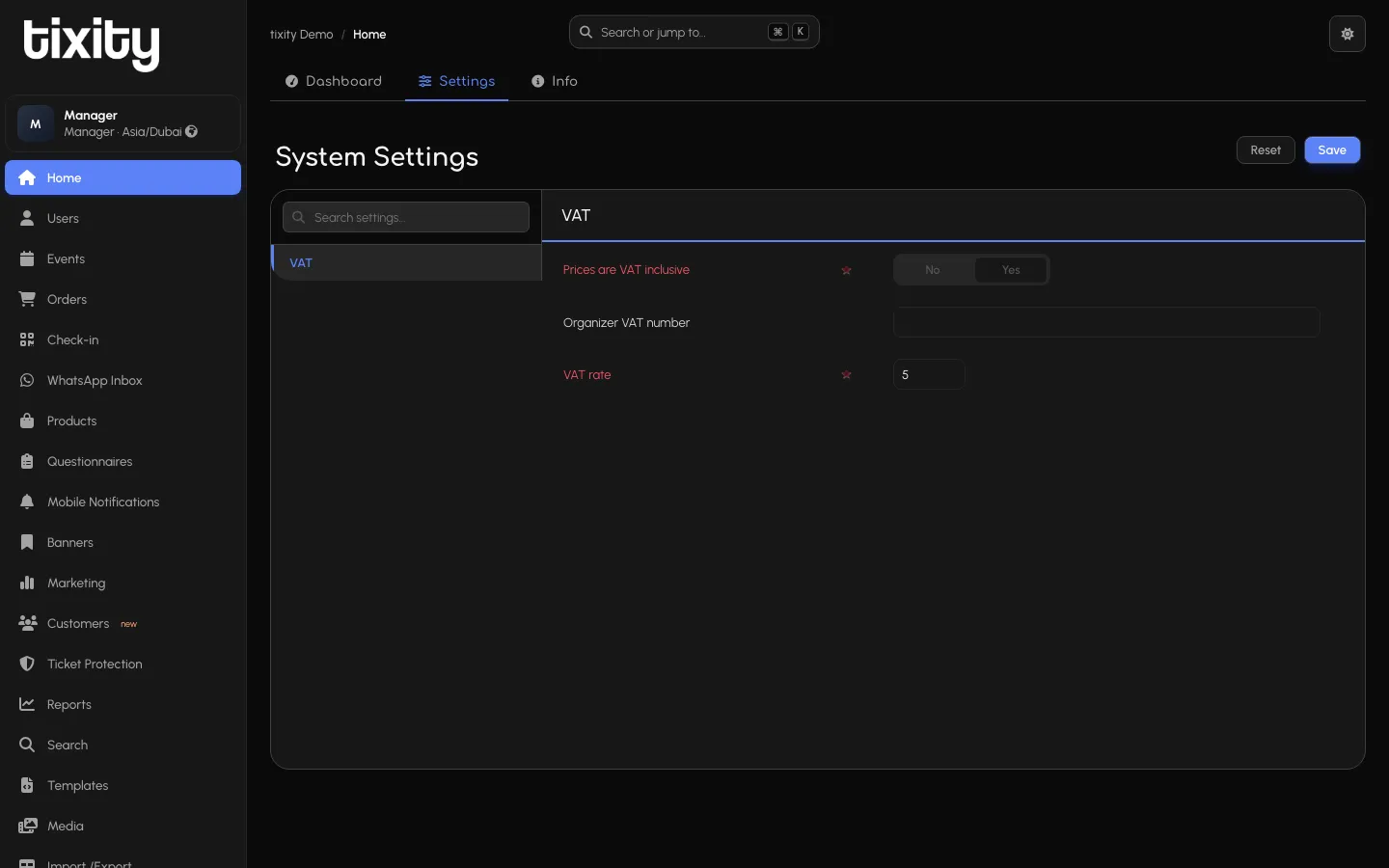
VAT
The VAT category holds the platform’s tax configuration:
| field | notes |
|---|---|
| Prices are VAT inclusive | Yes / No toggle. Yes means ticket prices on the storefront already include VAT, No means VAT is added at checkout |
| Organizer VAT number | Your organisation’s tax registration number, appears on invoices |
| VAT rate | The percentage, e.g. 5 for 5% |
Change any field and Save commits the change. Reset discards.
Any change may take a few seconds to propagate to the storefront cache.
Tip: If your role lets you see a category and you can’t edit a specific field, that field is locked at the account level. Your account manager can unlock it.
Info
The Info tab is a status page for your license and system health.
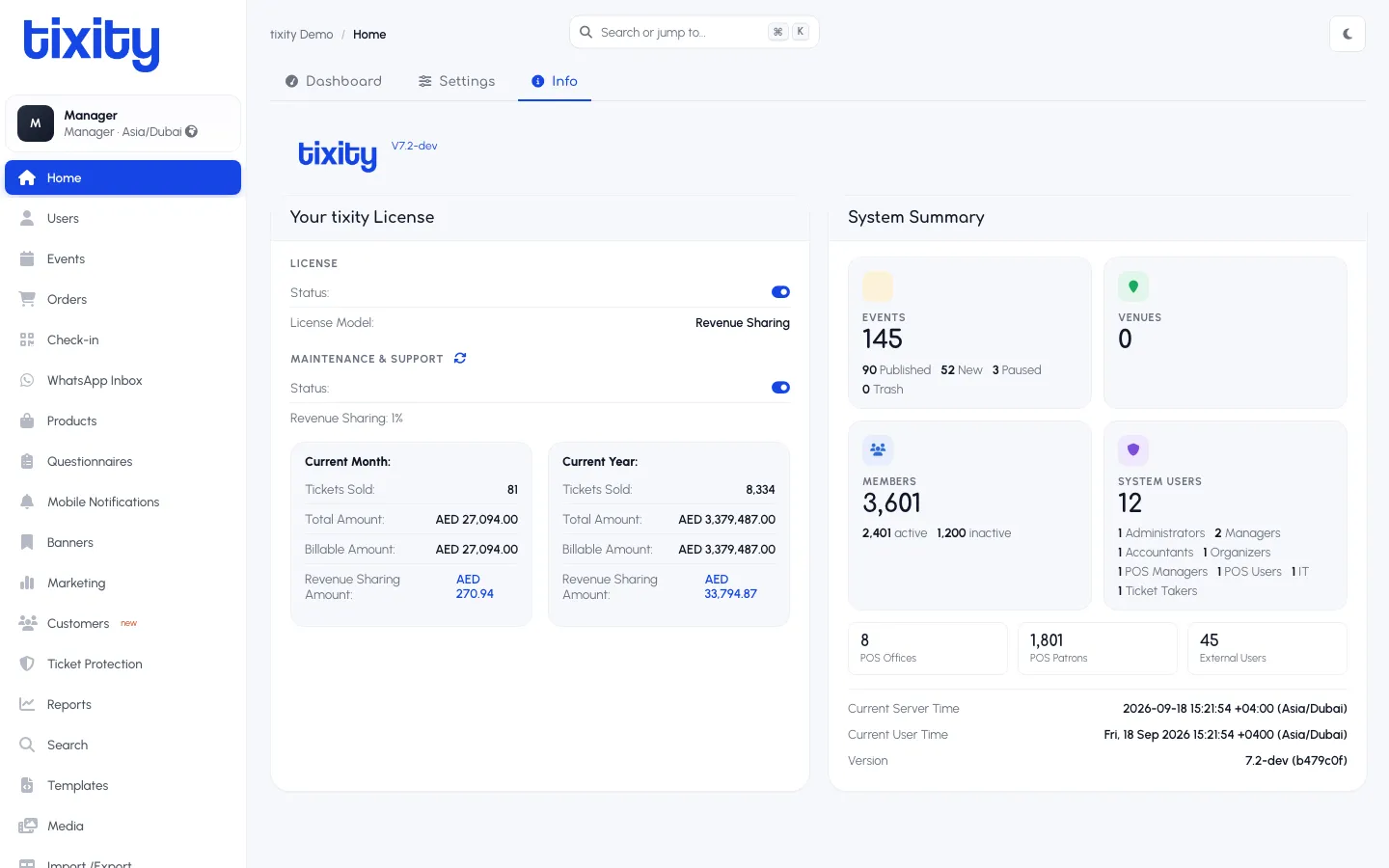
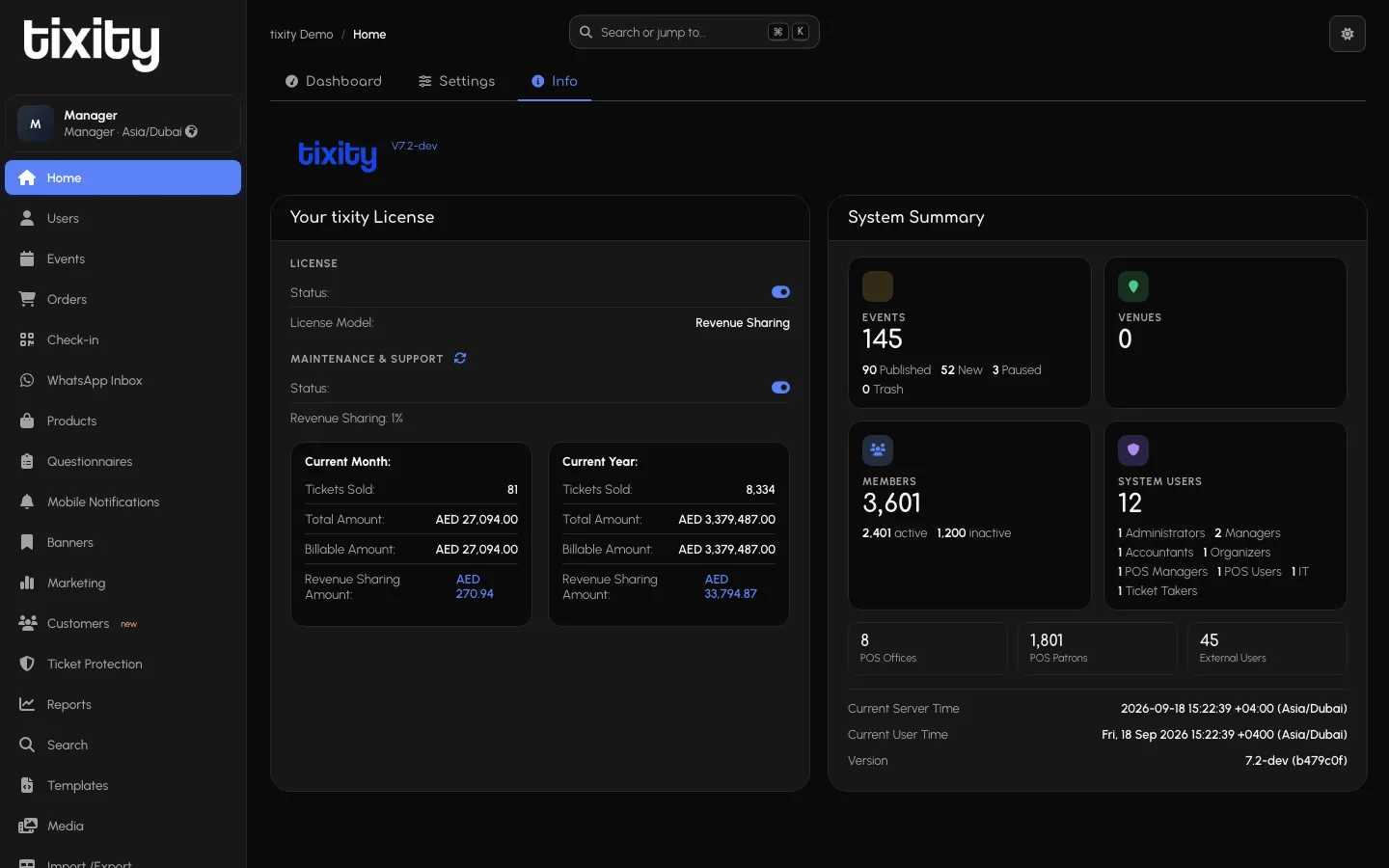
Your tixity License shows:
- License Status — active / lapsed (the toggle indicator on the right)
- License Model — how you’re billed (Revenue Sharing, Flat Fee, Enterprise)
- Maintenance and Support Status — whether your support contract is active
- Revenue Sharing % — the platform’s cut, if applicable
- Current Month and Current Year cards — tickets sold, total amount, billable amount, revenue-sharing amount
System Summary shows:
- Events / Venues — active counts, split into Published, New, Paused, Trash
- Members / System Users — headcount, with the role breakdown (Managers, Accountants, Organisers, POS Managers, POS Users, IT, Ticket Takers)
- POS Offices / POS Patrons / External Users — the size of your operation
- Current Server Time and Current User Time — for confirming timezone config
- Version — the running platform version (report this if you raise a bug)
Tip: Save a screenshot of the Info tab when raising a support ticket, half the “why isn’t this working?” questions are answered by knowing the license state and version.