

Event attendees
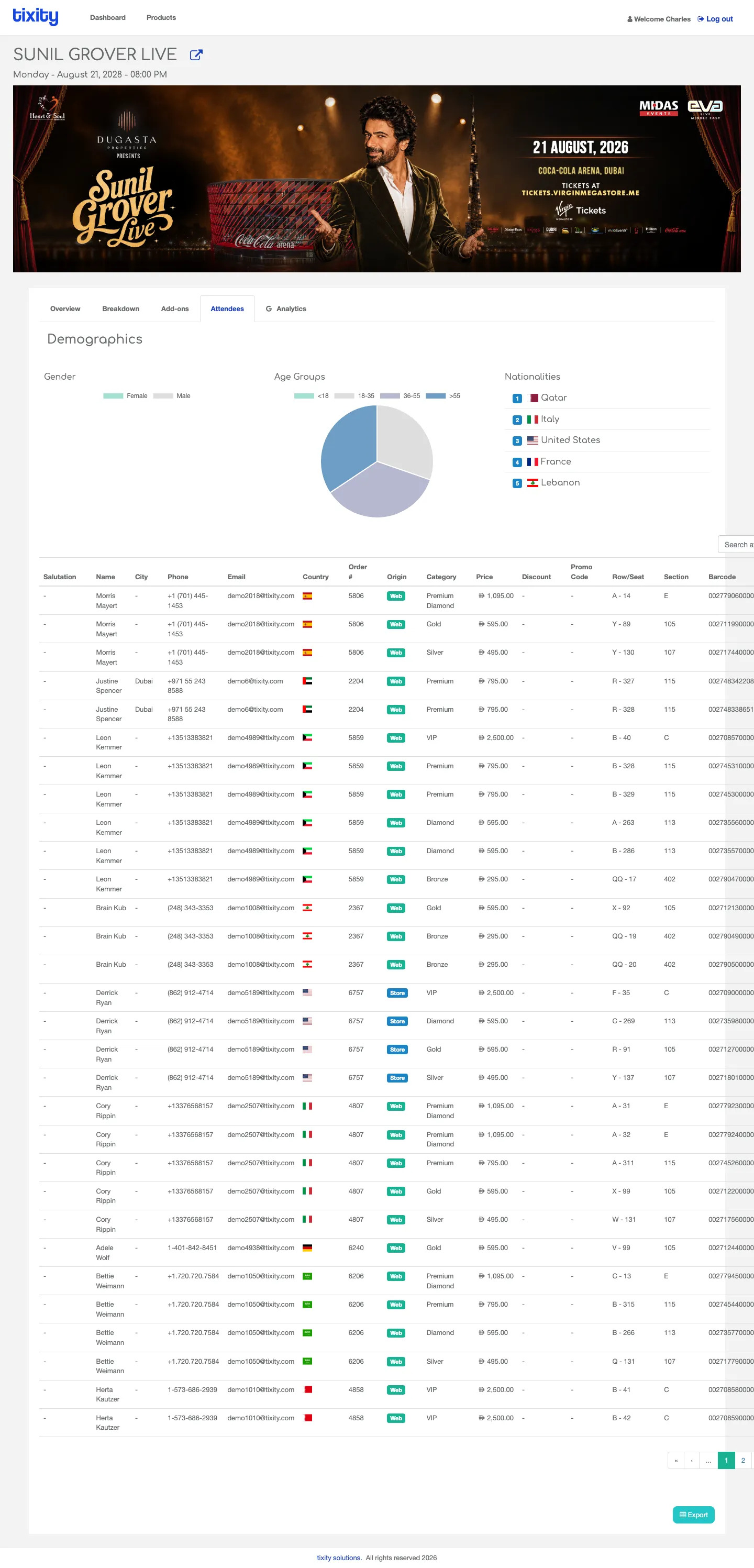
The Attendees tab has two parts: a Demographics summary and a searchable table of every attendee.
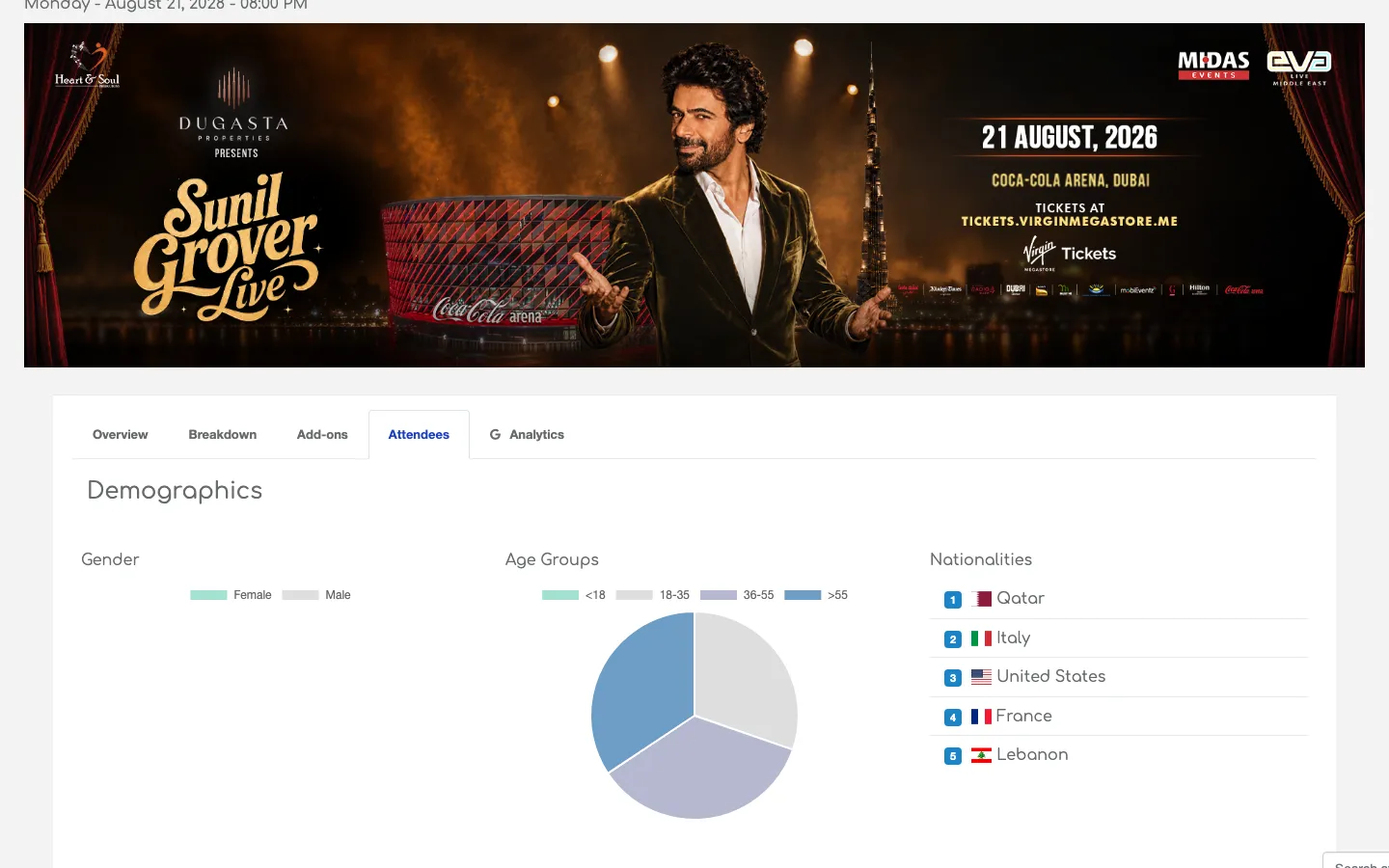
Demographics
Three charts across the top of the tab give you an at-a-glance profile of who bought:
| chart | shows |
|---|---|
| Gender | Doughnut split between male, female, and unspecified |
| Age Groups | Doughnut split into buckets (18-24, 25-34, 35-44, 45-54, 55+) |
| Nationalities | A ranked list of the top countries by attendee count, with flags |
These are useful for post-event reports to sponsors and for informing marketing on the next similar event.
The attendees table
Below the demographics is the full table of every attendee for the event. Columns typically include name, email, ticket category, seat, order ID, and check-in status, they’re driven by whatever fields your organisation captures at checkout.
The table is paginated and searchable.
Export
The Export button (bottom-right of the table) downloads the complete attendee list as an Excel file. Use this for guest lists, CRM imports, and access-control loads.
Full page
Privacy
Attendee data is personal information. Only export it when you have a specific, lawful use, and delete the file when you’re done. Your account manager can restrict access to this tab if only a subset of your team should see attendee details.
Tip: If the demographics look empty or wrong, check whether the event’s checkout captures the underlying fields (DOB for age groups, nationality dropdown for the nationalities chart). No captured field, no chart.