

Labels
Labels mode lets you assign numbering schemes to rows and seats. Proper labeling ensures ticket buyers know exactly where their seat is.
Shortcut: press 2 to switch to labels mode.
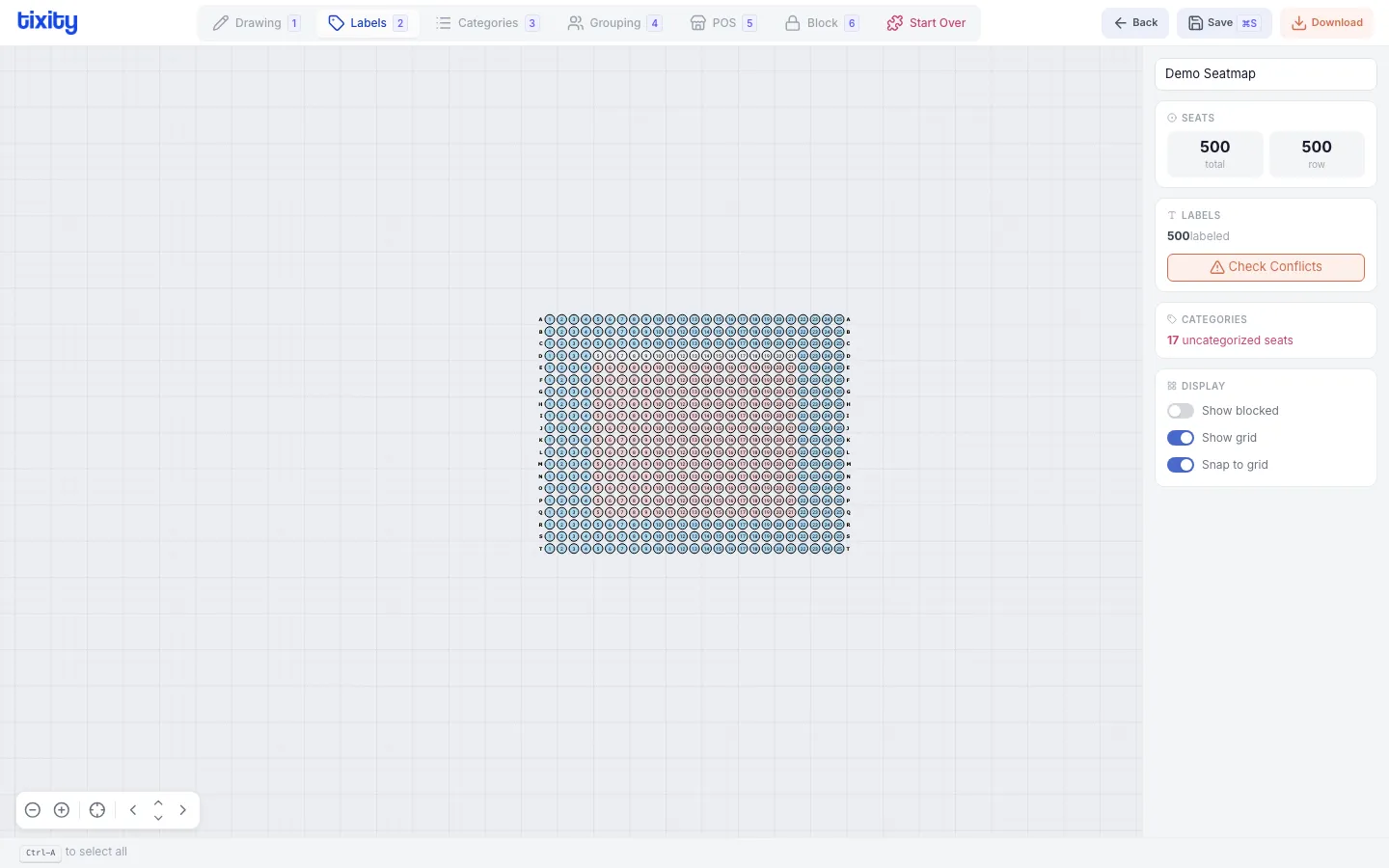
How labeling works
Labels are applied per row block or section. Select a row block to see its labeling options in the right panel.
Row labels
Row labels identify each row within a block (e.g., row A, row B, row C or row 1, row 2, row 3).
| scheme | example | best for |
|---|---|---|
| numeric | 1, 2, 3, 4… | Numbered sections |
| alphabetic | A, B, C, D… | Lettered rows (common in theaters) |
| double alphabetic | AA, AB, AC… | Venues with more than 26 rows |
Options:
- start at - first label value (e.g., start at “C” instead of “A”)
- reverse - label from back to front
- odd/even - label only odd or even rows
Seat labels
Seat labels number individual seats within a row (e.g., seat 1, seat 2, seat 3).
| scheme | example |
|---|---|
| numeric | 1, 2, 3, 4… |
| odd only | 1, 3, 5, 7… |
| even only | 2, 4, 6, 8… |
Options:
- start at - first seat number
- prefix - text before the number (e.g., “S” → S1, S2, S3)
- direction - left-to-right or right-to-left
Checking for conflicts
Click Check Conflicts in the right panel to verify that no two seats in the same section share the same label. The designer will highlight any duplicates.
Tips
Tip: Many venues use odd/even seat numbering where odd seats are on one side of the aisle and even on the other. This is standard in theaters and concert halls.
Warning: Always run Check Conflicts after labeling. Duplicate labels cause confusion at the venue and errors in ticket sales.