

Grouping
Grouping mode lets you manage seat groups and enable/disable individual seats. This is useful for social distancing configurations, removing damaged seats, or creating custom seating patterns.
Shortcut: press 3 to switch to grouping mode.
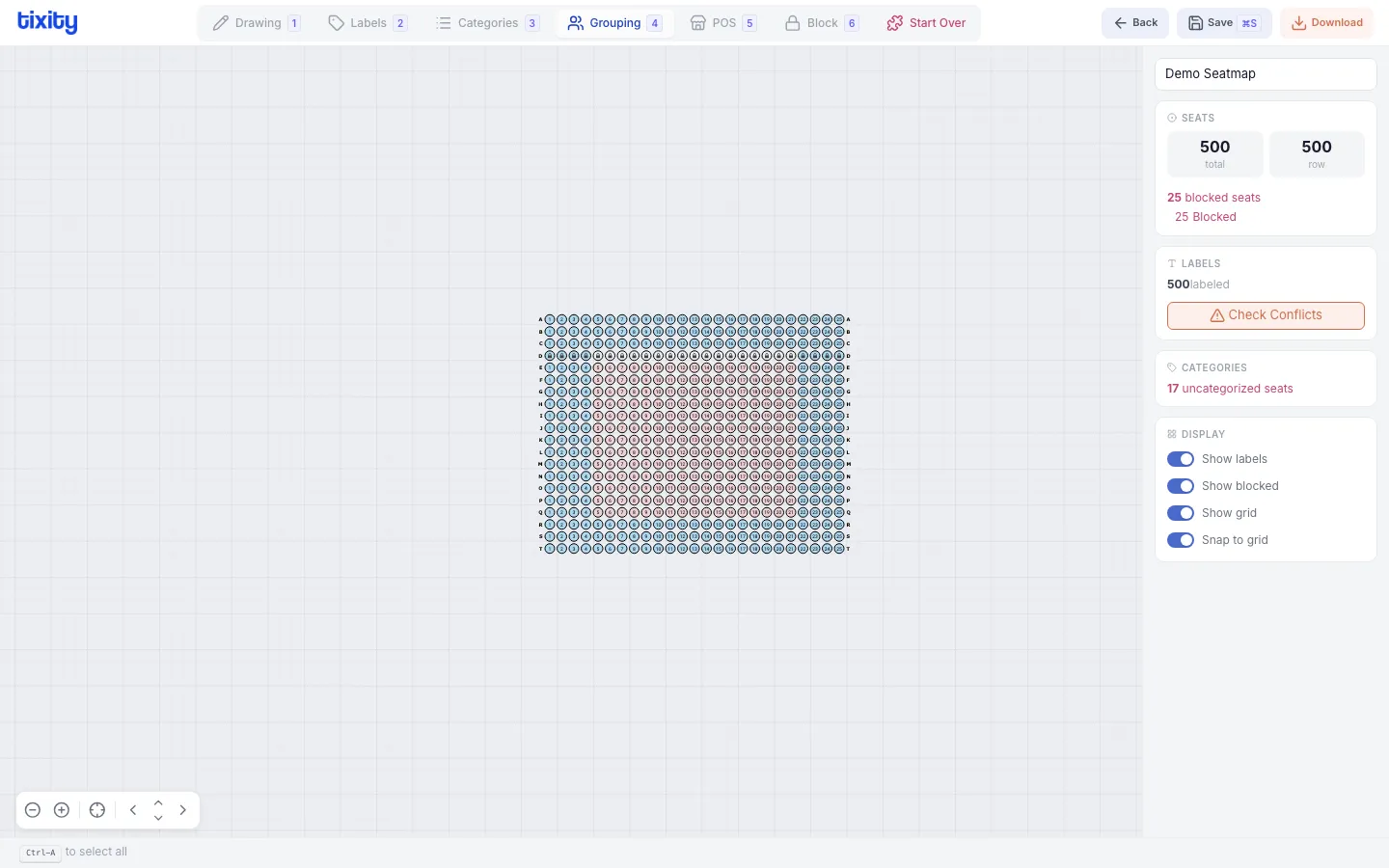
Grouping seats
- Switch to Grouping mode (shortcut:
3) - Select the seats you want to group
- Use the context menu options to group or ungroup
Enable and disable seats
In grouping mode, you can disable individual seats to make them unavailable without deleting them. Disabled seats remain in the layout but can’t be sold.
Use cases:
- Seats with obstructed views
- Damaged or removed seats
- Social distancing buffers
- Technical equipment positions
Checkerboard pattern
The checkerboard option automatically disables alternating seats to create spacing. Useful for social distancing configurations.
Tips
Tip: Disabled seats are shown as dimmed on the canvas. They remain in the seatmap data, so you can re-enable them later without redrawing.
Tip: Use grouping together with Block mode for more granular control. Grouping disables seats entirely; blocking keeps them in the system but prevents sales.