

Tables
Tables are used for banquet-style, restaurant, or gala seating where guests sit around a shared surface.
Creating tables
- Switch to Drawing mode (shortcut:
1) - Click the tables tool in the sidebar
- Choose either rounded or rectangular
- Click on the canvas to place the table
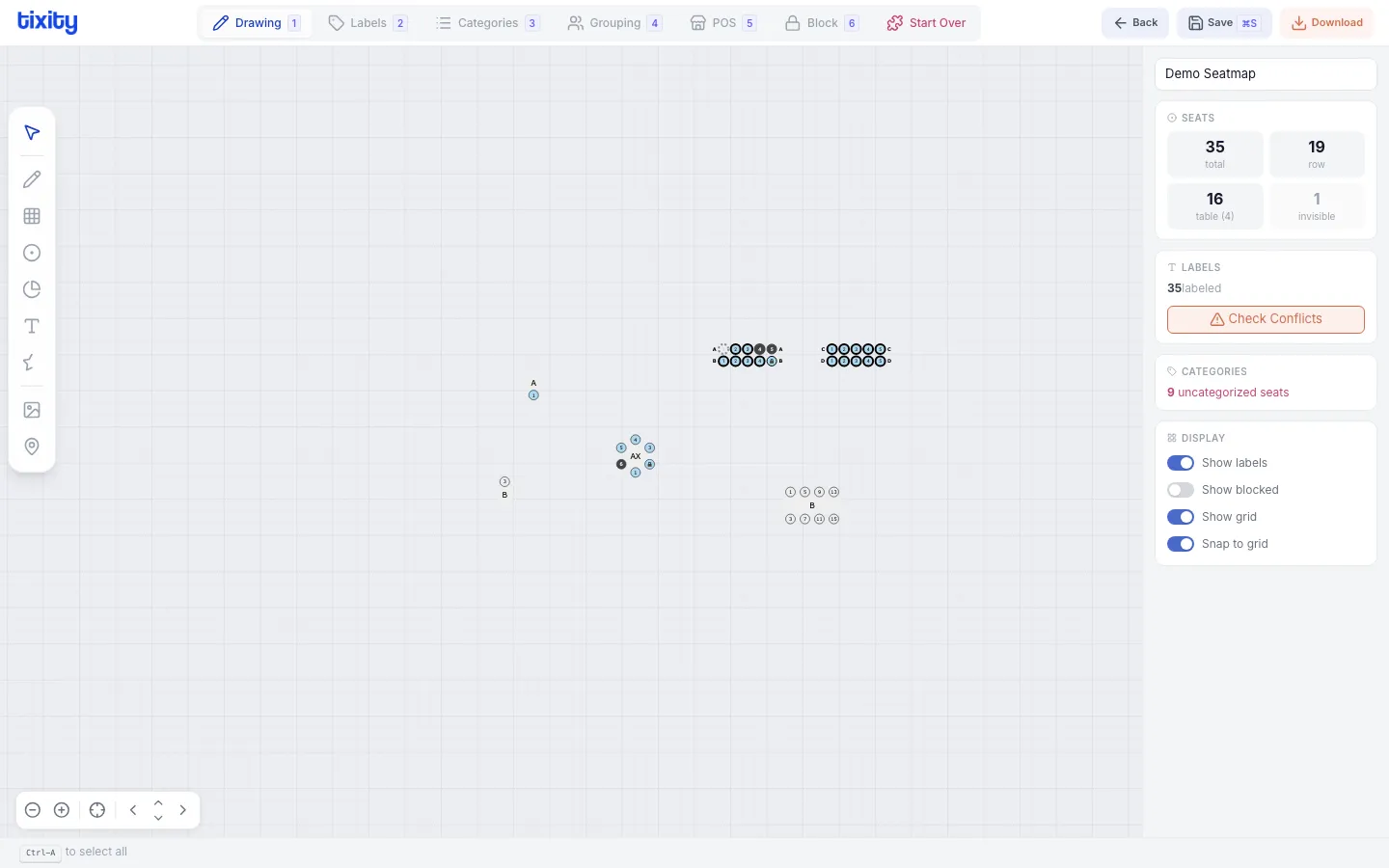
Table types
| type | shape | best for |
|---|---|---|
| rounded | Circular table with seats around the perimeter | Galas, banquets, weddings |
| rectangular | Rectangular table with seats on all sides | Conferences, restaurants |
Table properties
After selecting a table, the context menu shows:
| property | description |
|---|---|
| seats | Number of seats around the table |
| size | Diameter (rounded) or width/height (rectangular) |
| rotation | Rotate the table |
| label | Table name or number |
Tips
Tip: Tables can be placed freely on the canvas. Use Snap to Grid (toggle in the display panel) to align them neatly.
Tip: For mixed layouts, you can combine tables with seated rows in the same seatmap. Choose the mixed layout type when creating your seatmap.