

Sections
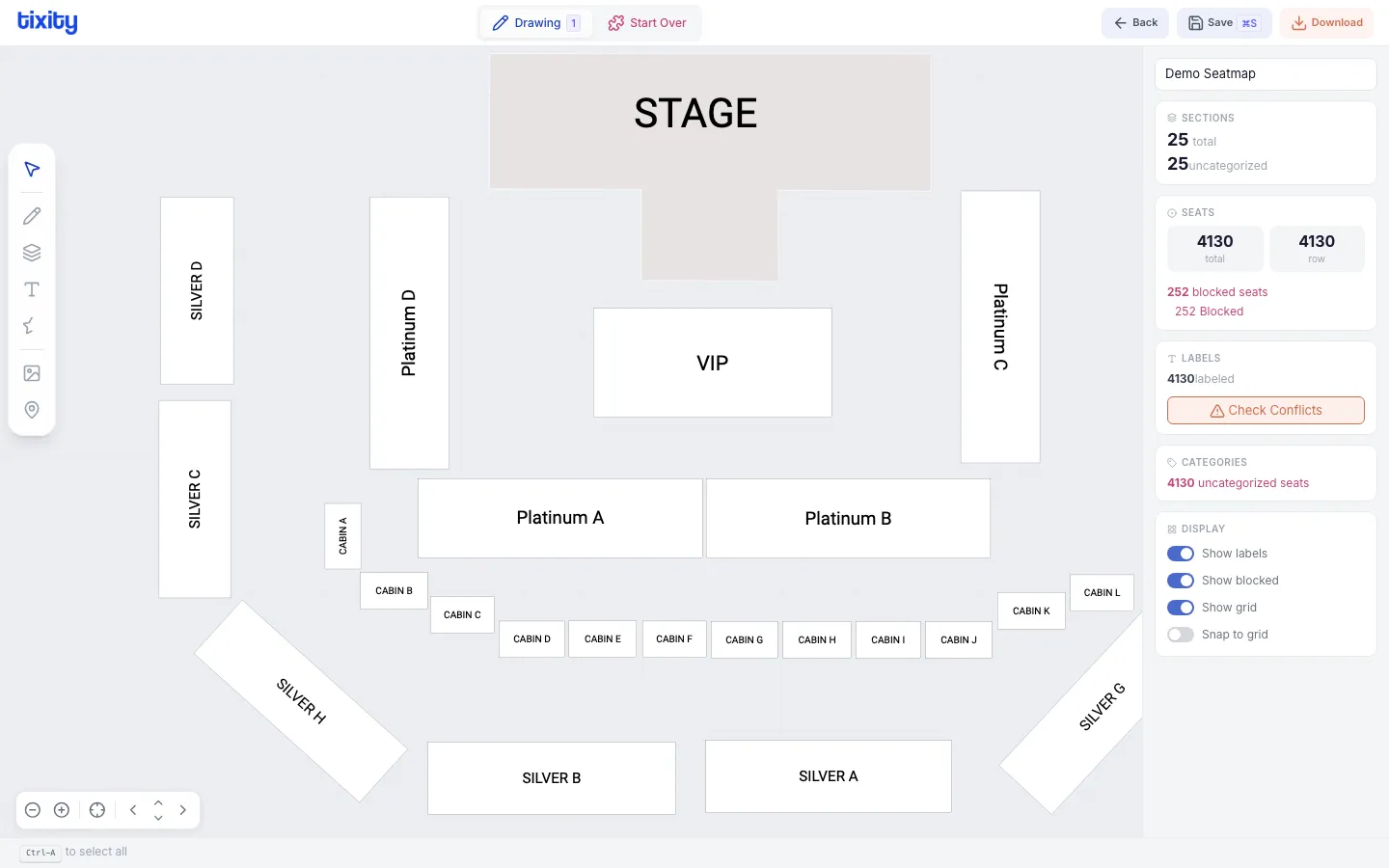
Sections divide your venue into named zones. Each section can contain rows of seats, and sections can be independently labeled, categorized, and configured.
Creating sections
- Switch to Drawing mode (shortcut:
1) - Click the sections tool in the sidebar
- Choose a shape type:
- rounded - elliptical sections
- rectangular - box-shaped sections
- polygonal - custom polygon (click to place vertices, double-click to close)
- path - freeform curved path
- Draw the section on the canvas
Section shapes
| shape | best for |
|---|---|
| rounded | Curved arena sections, balconies |
| rectangular | Box seats, corporate suites, simple zones |
| polygonal | Irregular shapes, custom floor plans |
| path | Complex curved boundaries |
Section properties
After selecting a section, the context menu shows:
| property | description |
|---|---|
| name | Display name for the section (shown to ticket buyers) |
| entrance | Entrance identifier for wayfinding |
| category | Default pricing category for the section |
| color | Section fill color |
Entering a section
Double-click a section to enter it. Inside a section, you can:
- Draw rows of seats
- Arrange seat blocks
- Configure individual seats
Click exit section in the bottom bar to return to the main view.
Tips
Tip: The Coca Cola Arena uses 58 sections with named zones (101, 102, A, B, C, etc.). Each section contains its own row blocks with independent labeling.
Warning: Renaming a section after tickets have been sold may cause confusion. Finalize section names before publishing.