

Progress and history
Track your event’s check-in progress in real time and review past scans for verification.
Scan progress
The progress view shows entries happening in real time:
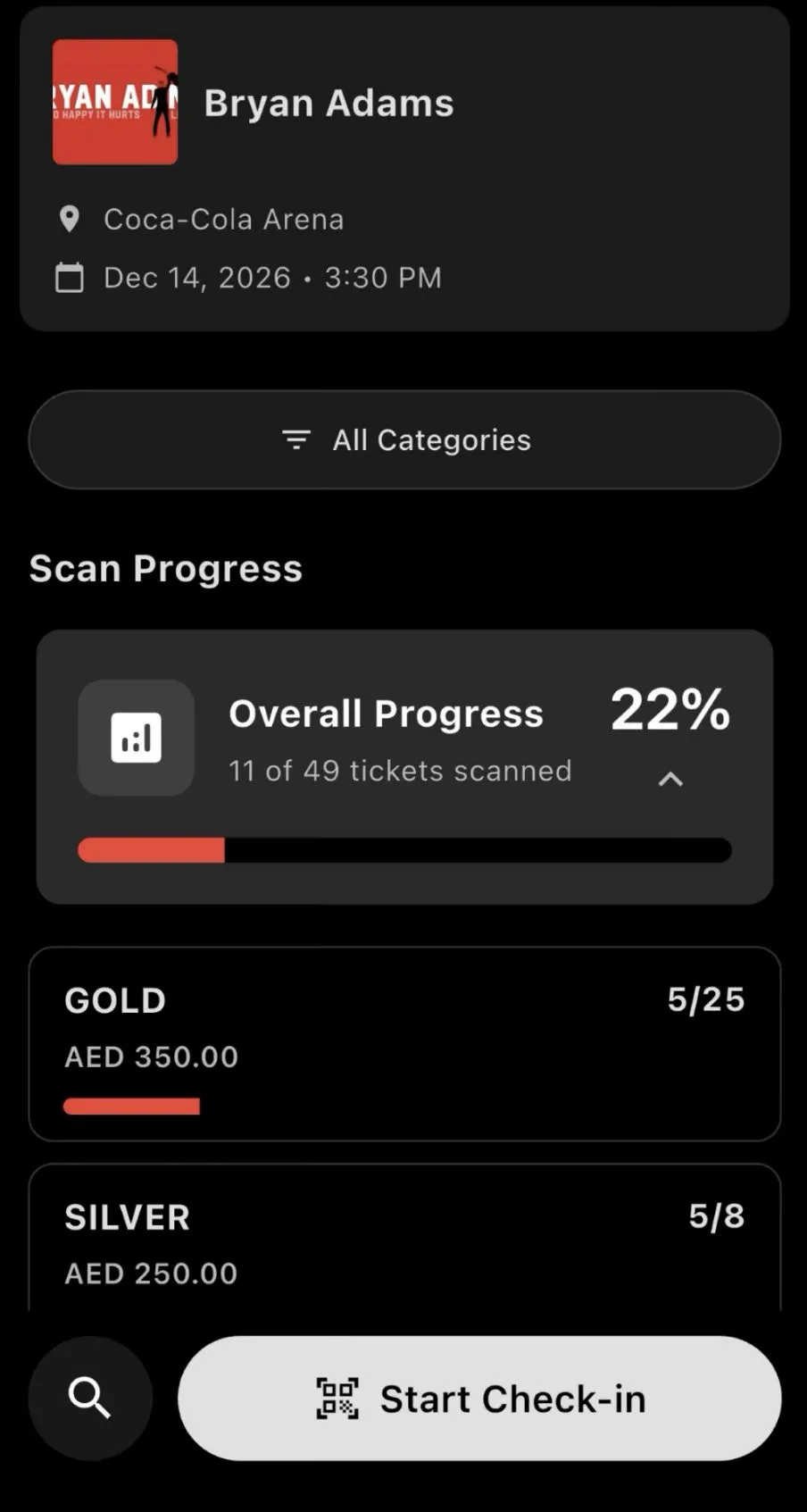
- Total scanned vs total tickets for your event
- Per-category breakdown - see how many VIP, general admission, or other tiers have checked in
- Color-coded indicators - green when a category is fully checked in, red when below 25%
This gives your team a live view of throughput so you can spot bottlenecks, redirect staff, or open additional entrances.
Scan history
The history view shows a log of every scan made on your device:
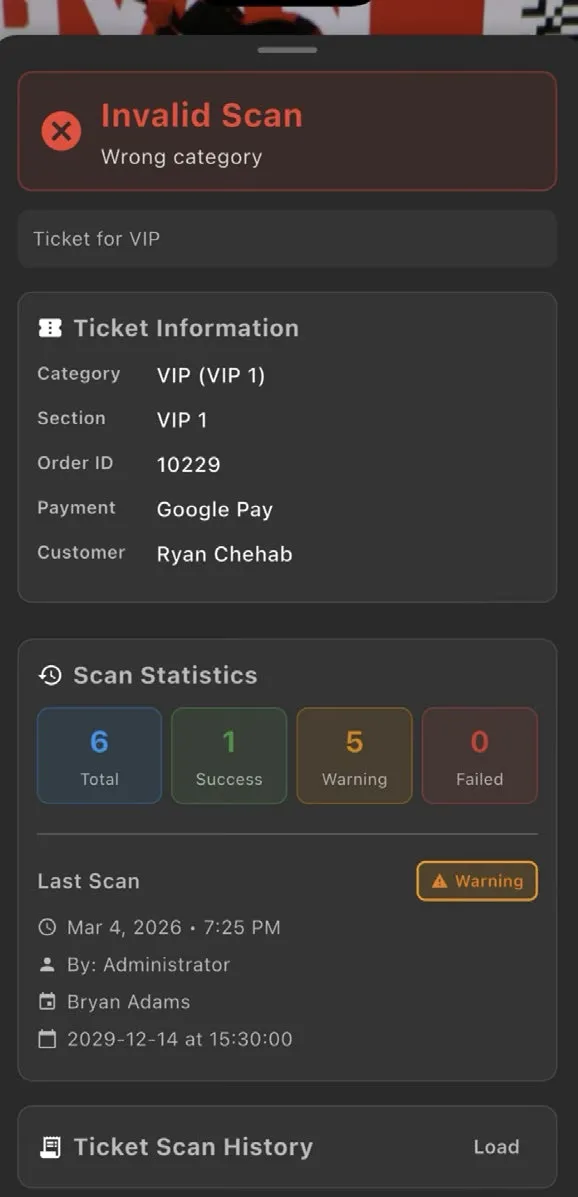
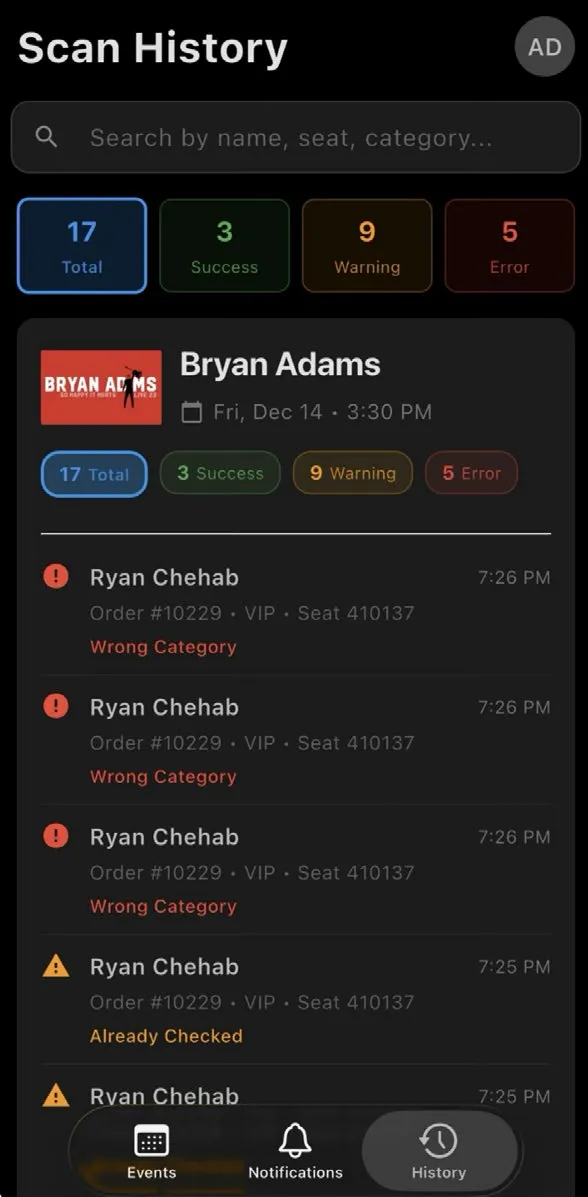
- Ticket details - barcode, category, customer name
- Scan result - valid, duplicate, rejected, etc.
- Timestamp - when the scan happened
- Entrance - which gate processed the scan
Use scan history to:
- Verify a specific guest’s entry
- Investigate duplicate scan alerts
- Review scanning activity after the event
Tip: Scan history is searchable. Type a barcode number, order ID, or guest name to find a specific entry quickly.
Tip: Scan progress updates in real time across all devices. If one entrance is falling behind, your operations team can see it immediately and reassign staff.